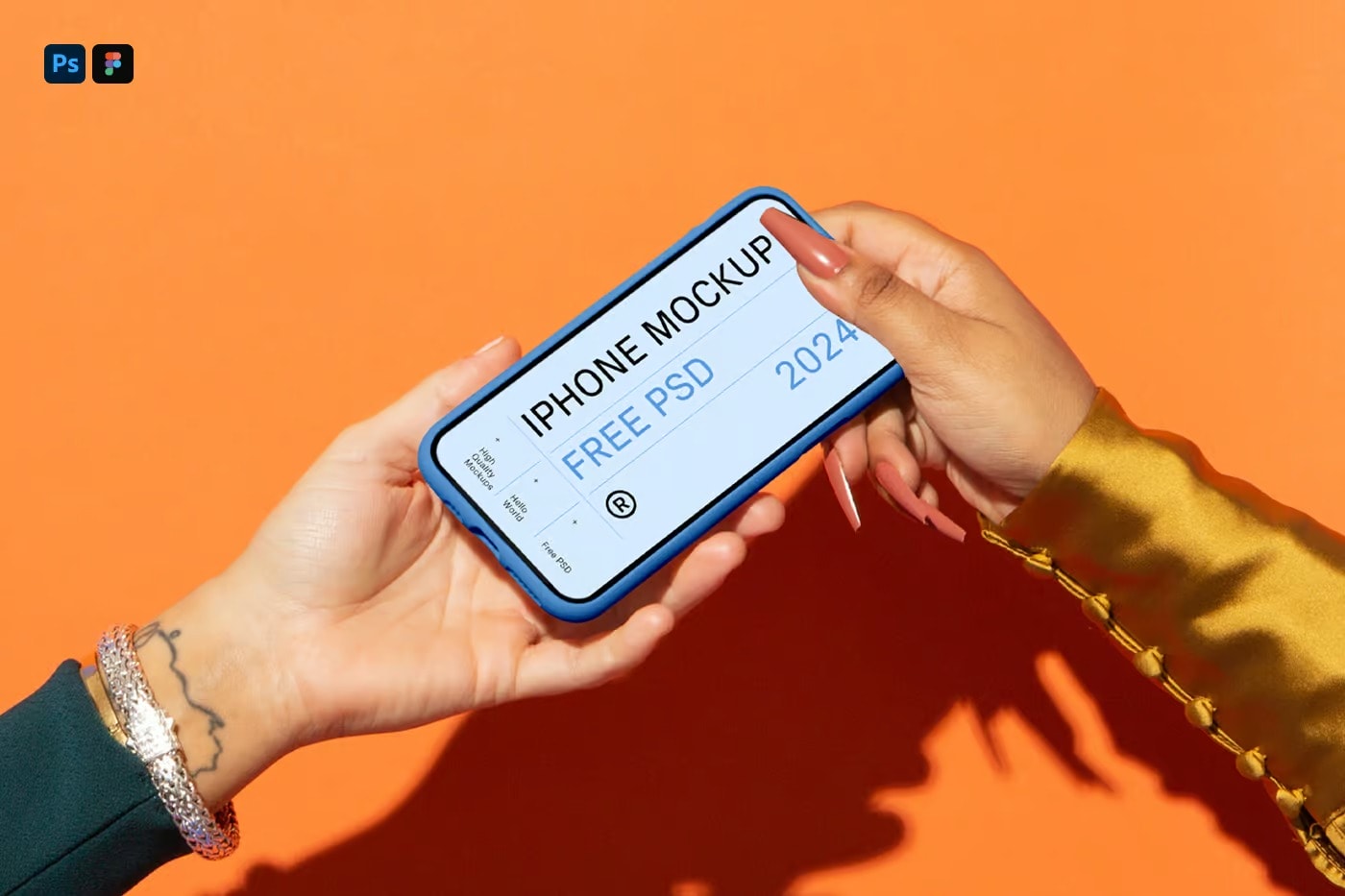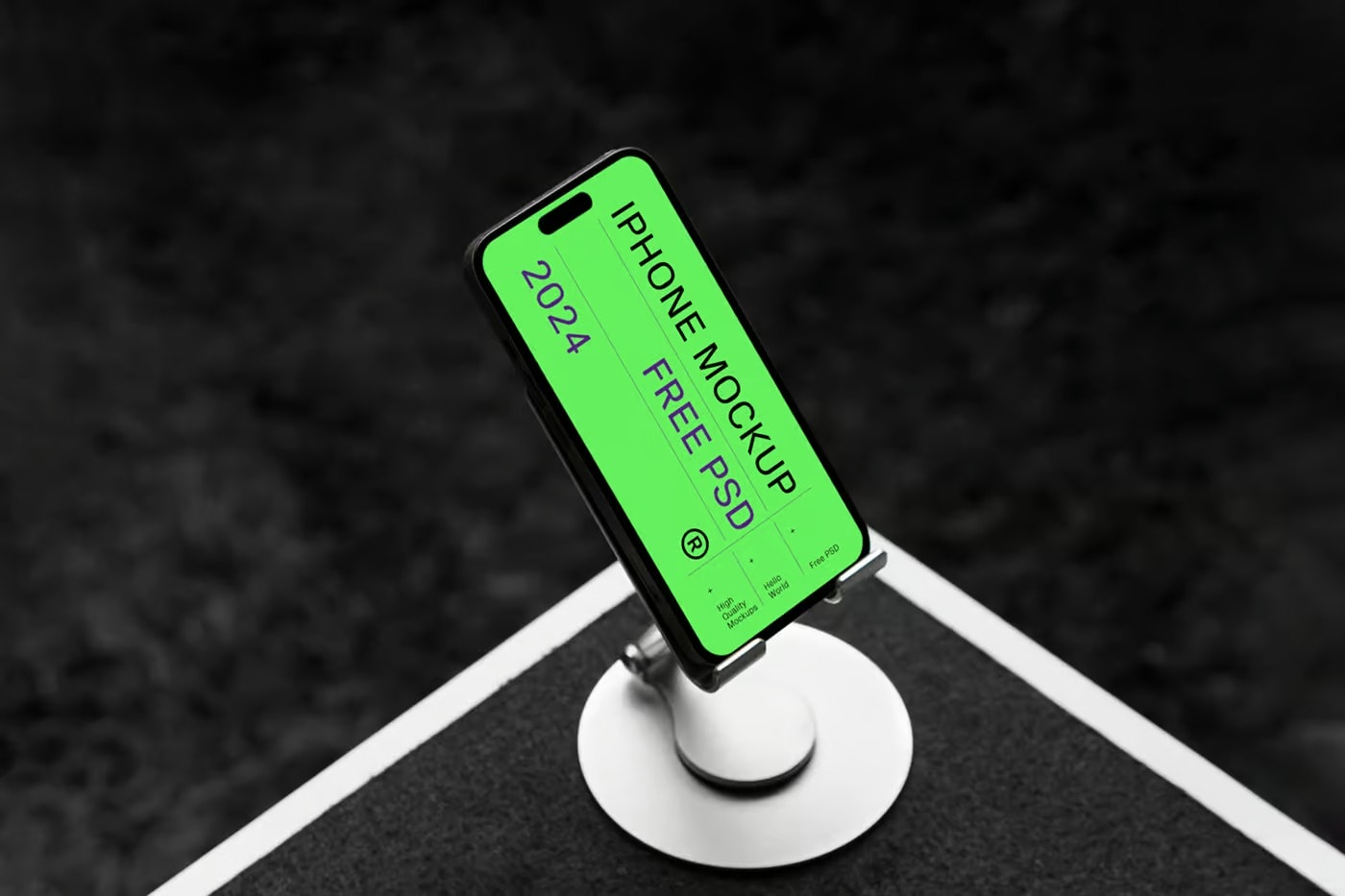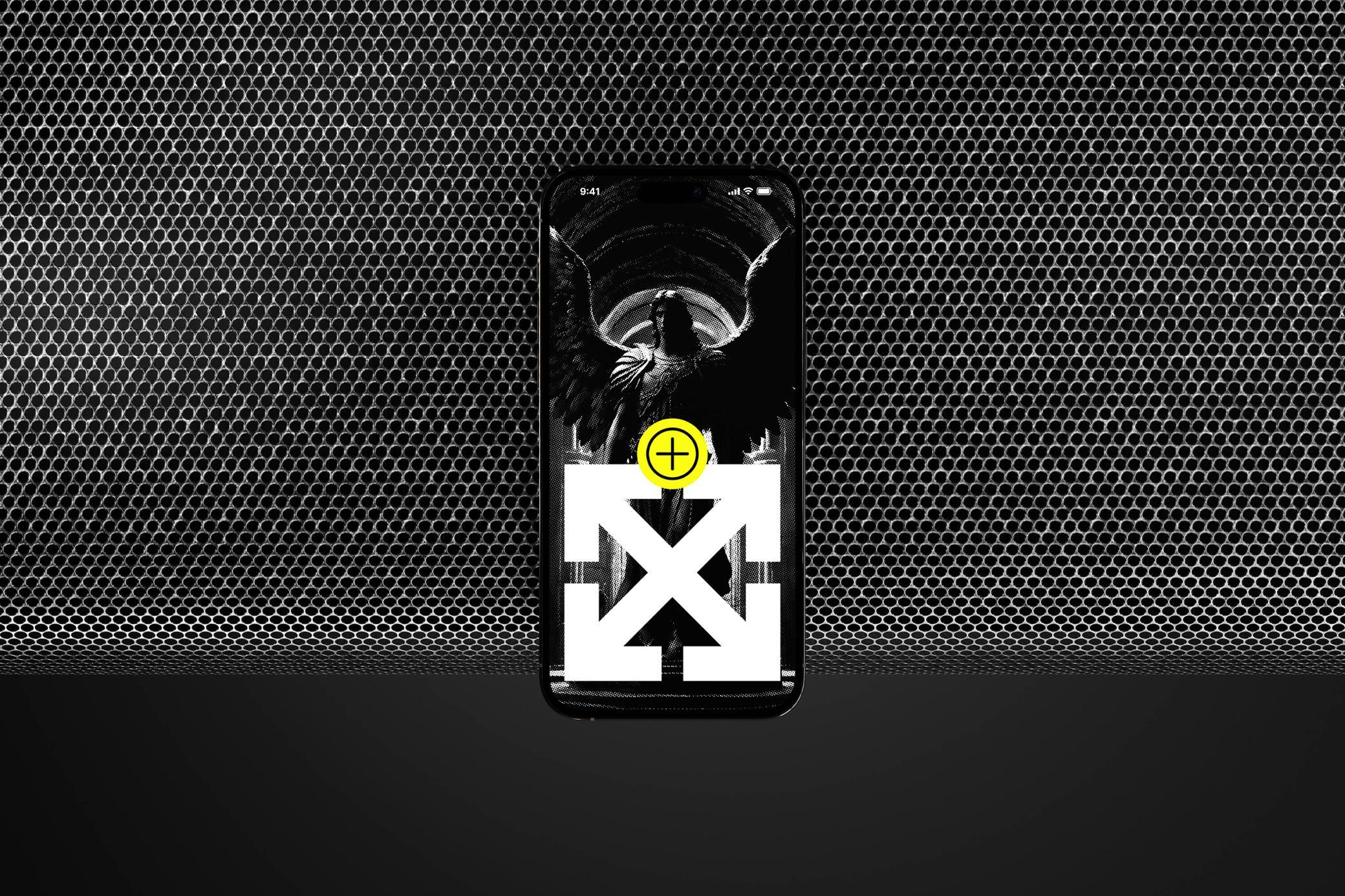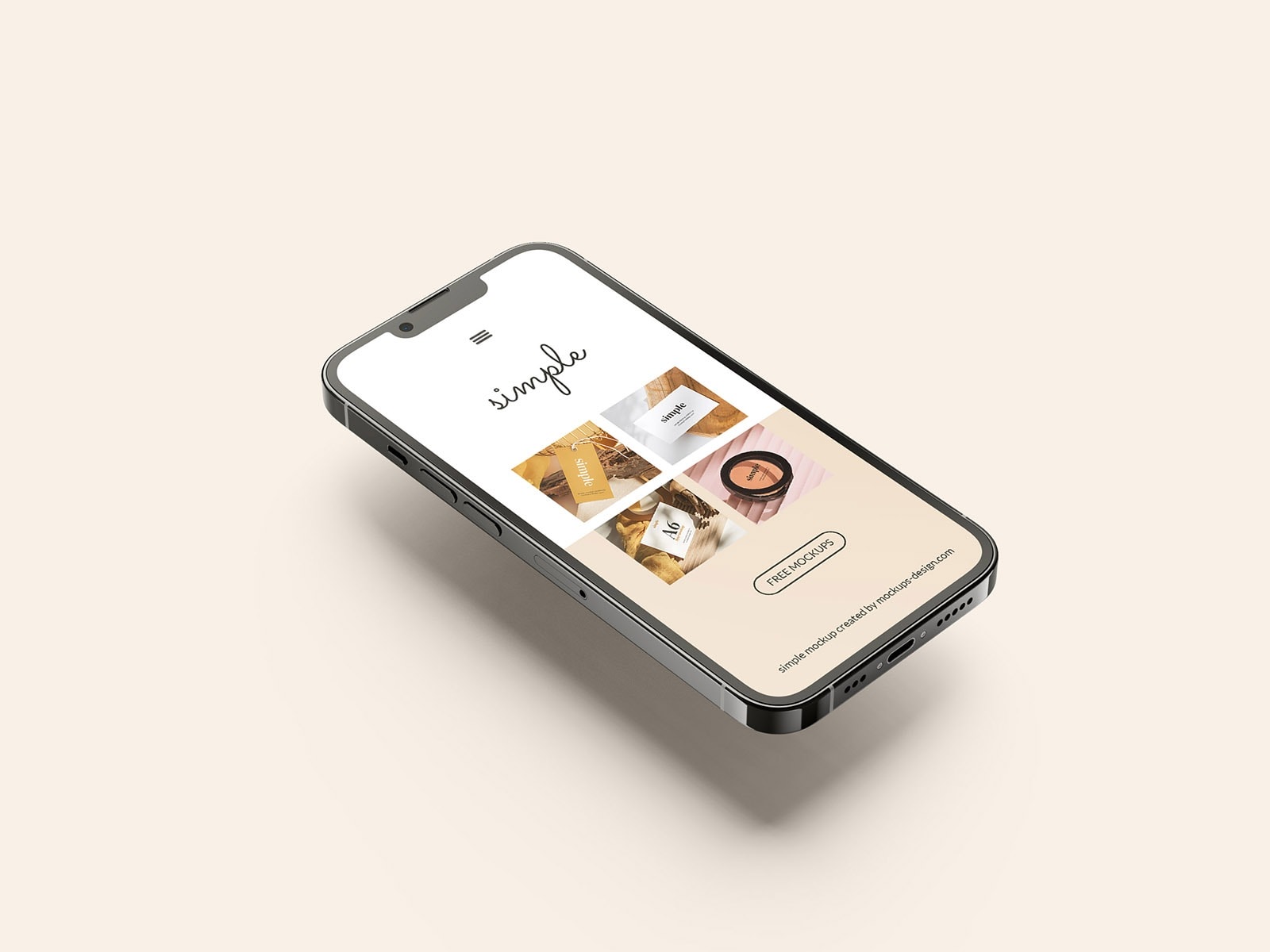

We’ve handpicked a collection of 100+ free iPhone mockups, spanning a variety of styles, angles, and formats (PSD, Figma, Sketch). Each mockup has been meticulously selected for its stunning visuals, effortless customization, and ability to make your designs truly pop.
In this hand-picked collection, you’ll find iPhone mockups to fit any style or project. Whether your look is minimalist and modern, timeless and classic, or something in between, there’s a mockup here for you. These mockups are perfect for showing off your new app, redesigned website, or any other digital creation in a way that’s both beautiful and realistic.
Features:
- High-Quality Mockup Templates: All mockups are designed to the highest standards, ensuring your designs look sharp and professional.
- Diverse Collection: From flat lays to 3D renders, this collection includes a variety of styles to suit any project.
- Easy Customization: These mockups are easy to customize, allowing you to quickly and efficiently present your work.
- Realistic Presentation: Showcase your work in a real-life setting, helping clients and viewers see how the final product will look.
- Free to Use: All templates in this collection are free, making them accessible to designers on any budget.
- Up to Date Collections: The collection features the latest iPhone models, ensuring your mockups are up-to-date.
Benefits of Using iPhone Mockup Templates
- Enhanced Presentation: Showcase your designs in a realistic and professional manner.
- Client Communication: Help clients visualize the final product more effectively.
- Time-Saving: Quickly create stunning presentations without starting from scratch.
- Versatility: Suitable for a wide range of projects, from app interfaces to marketing campaigns.
- Professional Appeal: Impress stakeholders with polished and visually appealing presentations.
Types of Mockups Included
- Flat Lay Mockups: Perfect for a clean and minimalist presentation.
- 3D Rendered Mockups: Add depth and realism to your designs.
- Hands-On Mockups: Showcase your designs in a more relatable, real-world context.
- Lifestyle Mockups: Present your work in a natural setting, making it more relatable to potential users.
How to Use These Mockups in Figma, Sketch, and Photoshop
- Download: Click the download link and save the mockup file to your computer.
- Open in Your Tool:
- Figma: Import the mockup file by dragging and dropping it into Figma or using the “Import” option.
- Sketch: Open the mockup file directly in Sketch.
- Photoshop: Open the mockup file directly in Adobe Photoshop.
- Edit the Screen in Photoshop:
- Locate the smart object layer in the Layers panel, double-click to open, place your design, save, and close the smart object.
- Use the Mockup Plugin in Figma and Sketch:
- Figma: Visit the Figma Plugin store, search for “Mockup Plugin,” and install it.
- Sketch: Download and install the “Mockup Plugin” from the Sketch Plugin store or website.
- Apply the Design: Use the Mockup Plugin to update the screen to fit the mockup perfectly.
- Customize: Some mockups offer additional customization. Adjust backgrounds and colors directly in Photoshop’s Layers panel.
- Save and Present: Save your project and export the mockup in your preferred format. Utilize it for presentations or your portfolio.
Now, let’s dive into the best iPhone Free Premium Mockup for your project.